Ready-made AI image prompts. Copy. Paste. Create.
Hundreds of hand-picked prompts for ChatGPT and Gemini — organized by category, copied in one tap. Stop staring at a blank text box and start generating.
Free · No sign-up required · Works with ChatGPT & Gemini
This is exactly how it works in the app — one tap and it's on your clipboard.
Features
Everything you need to prompt faster
Built for people who create with AI every day — no fluff, just prompts that work.
Hundreds of prompts
A growing library of ready-made AI image prompts, tested with ChatGPT and Gemini so you get results, not guesswork.
Explore by category
Portraits, cinematic edits, anime styles, product shots and more — organized so the right prompt is seconds away.
One-tap copy
Tap once and the full prompt is on your clipboard, ready to paste straight into ChatGPT or Gemini.
Save your favorites
Keep the prompts you use most in one place, so your best styles are always a tap away.
Screenshots
A look inside the app
Minimal, fast, and easy on the eyes — designed to get you from idea to image quickly.
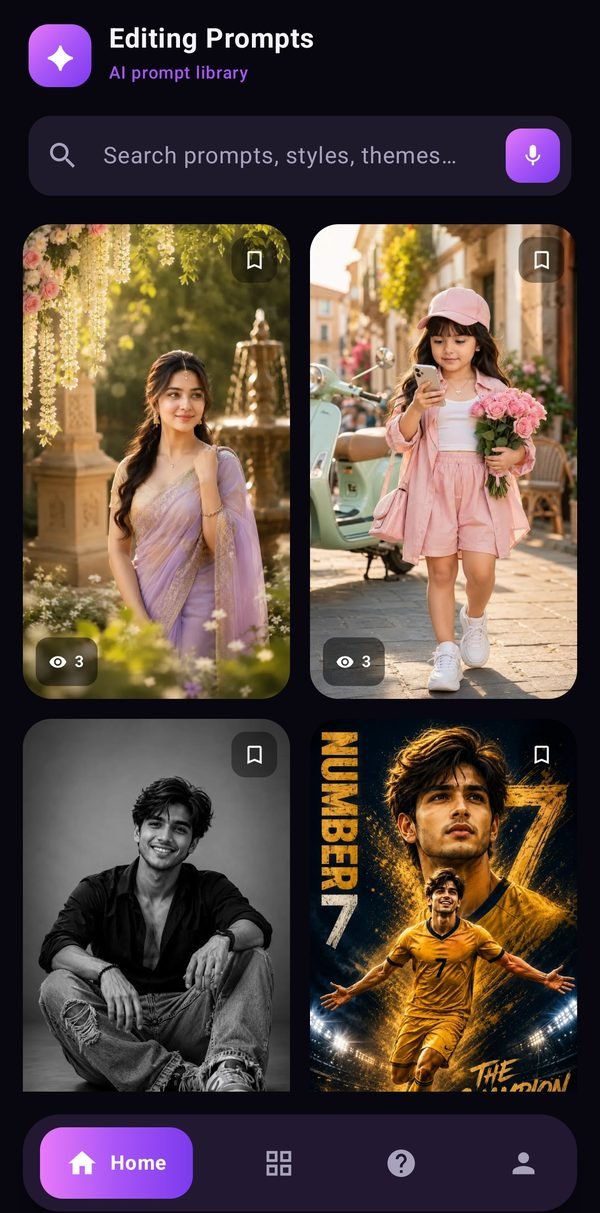
Browse the library
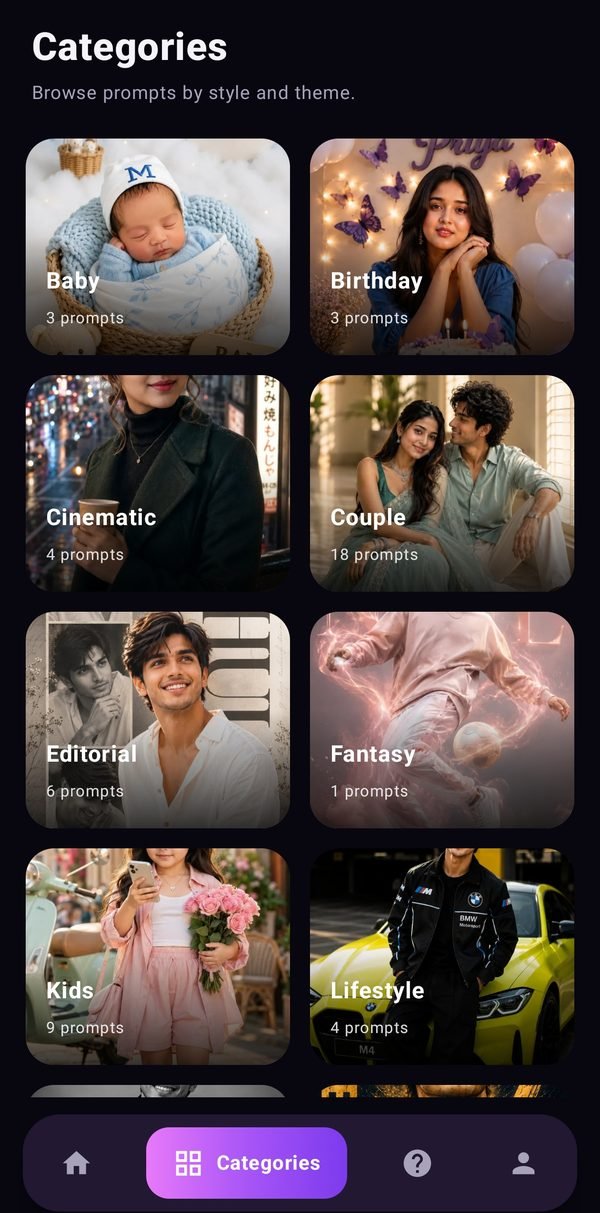
Explore by category
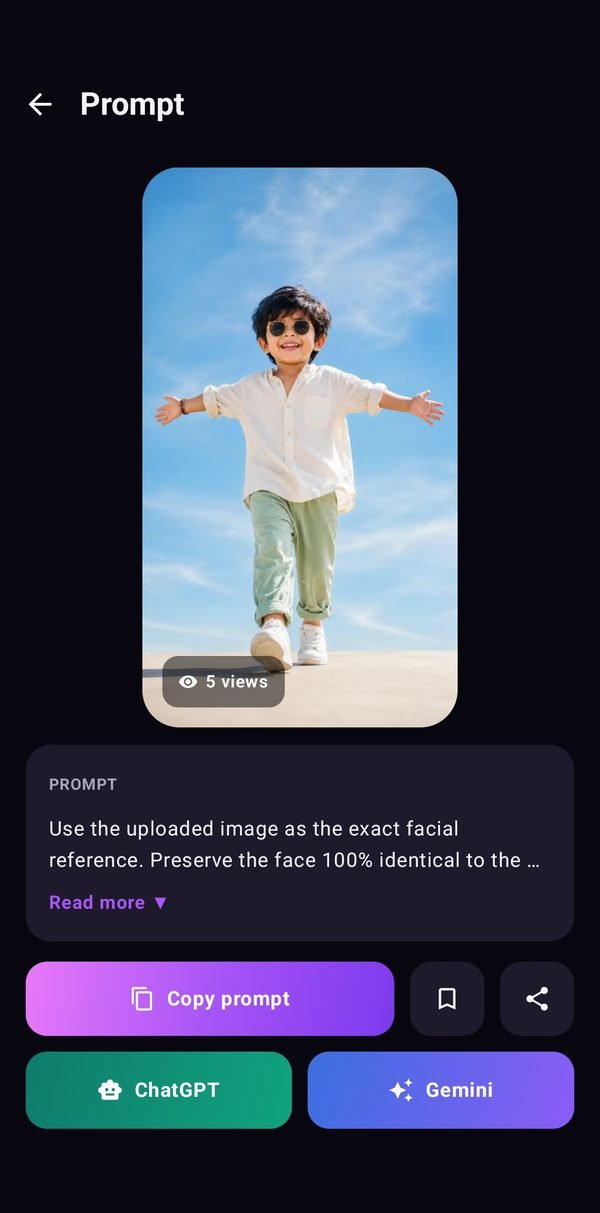
Copy in one tap
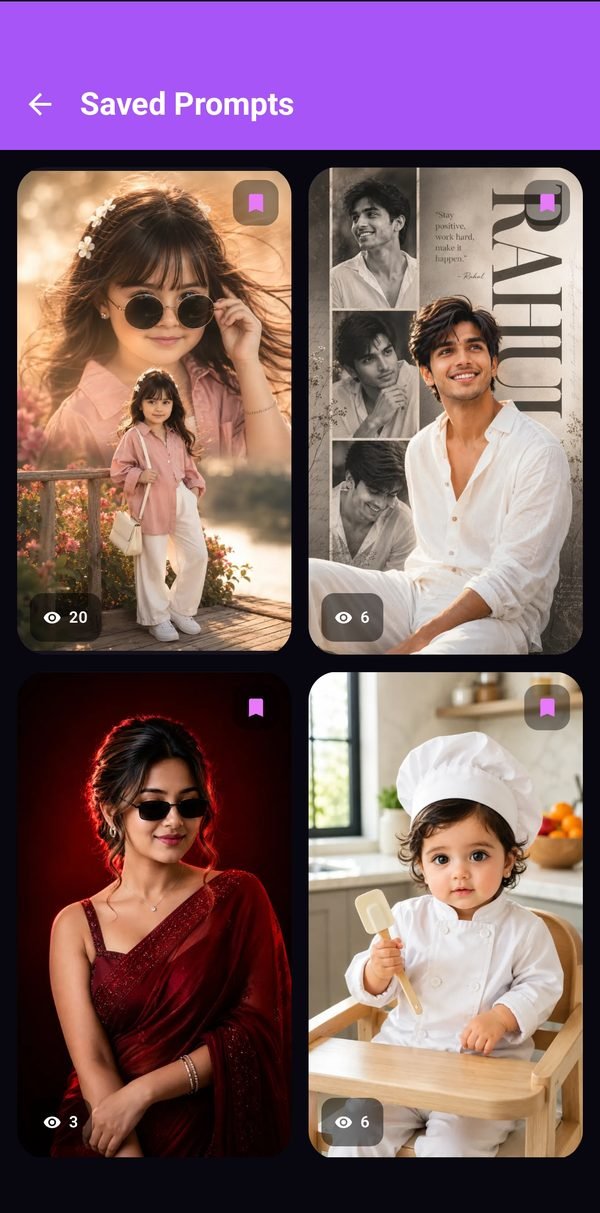
Your favorites
Your next great image starts with a great prompt
Download Editing Prompts free and start creating in under a minute.
Get it onGoogle Play